Here are all 188 ChatGPT image codes.
For the best results, replace only the subject in the prompt with your own product, photo, person, or idea.
When you try a code for the first time, it is usually better to leave the rest of the prompt unchanged.
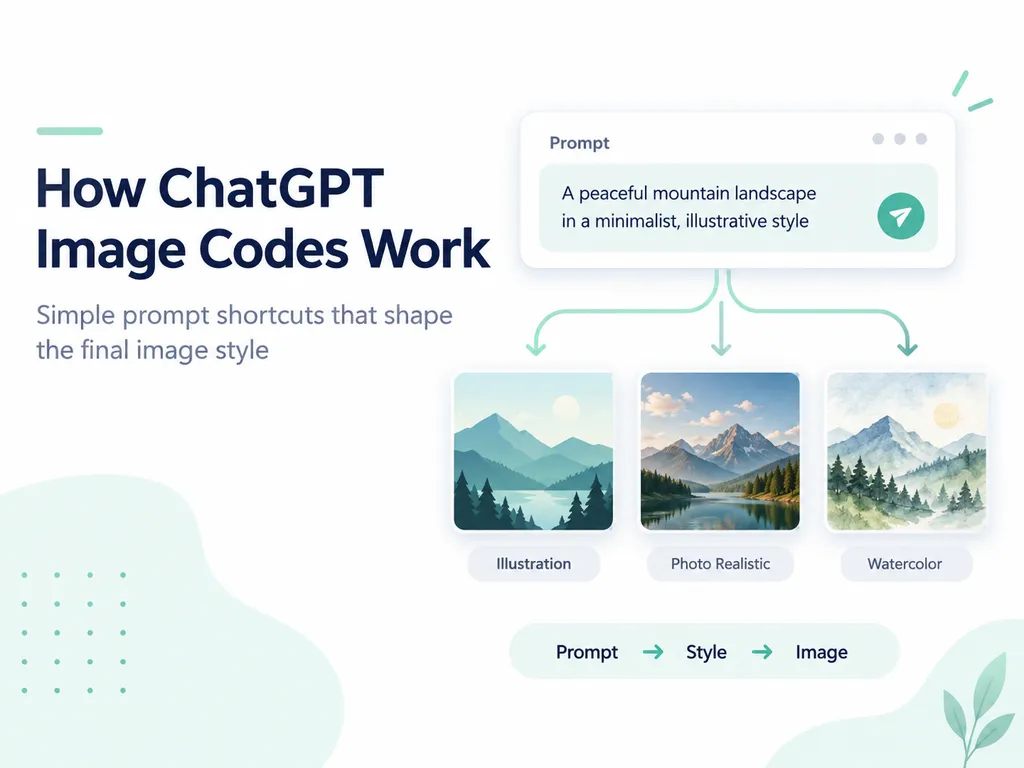
🎬 Codes Featured in the Video — 7
| Code | What It Creates |
|---|---|
/magazinecover | Turns your photo into a professional magazine cover |
/3dbillboard | Creates a realistic 3D anamorphic outdoor billboard mockup |
/packaging | Places your product or design on a box or package |
/metaad | Creates ready-to-use Meta ad creative |
/showcase | Turns your product into a polished professional showcase image |
/360view | Creates a multi-angle 360-degree product view |
/lifestyleshot | Places your product naturally inside a real-world scene |
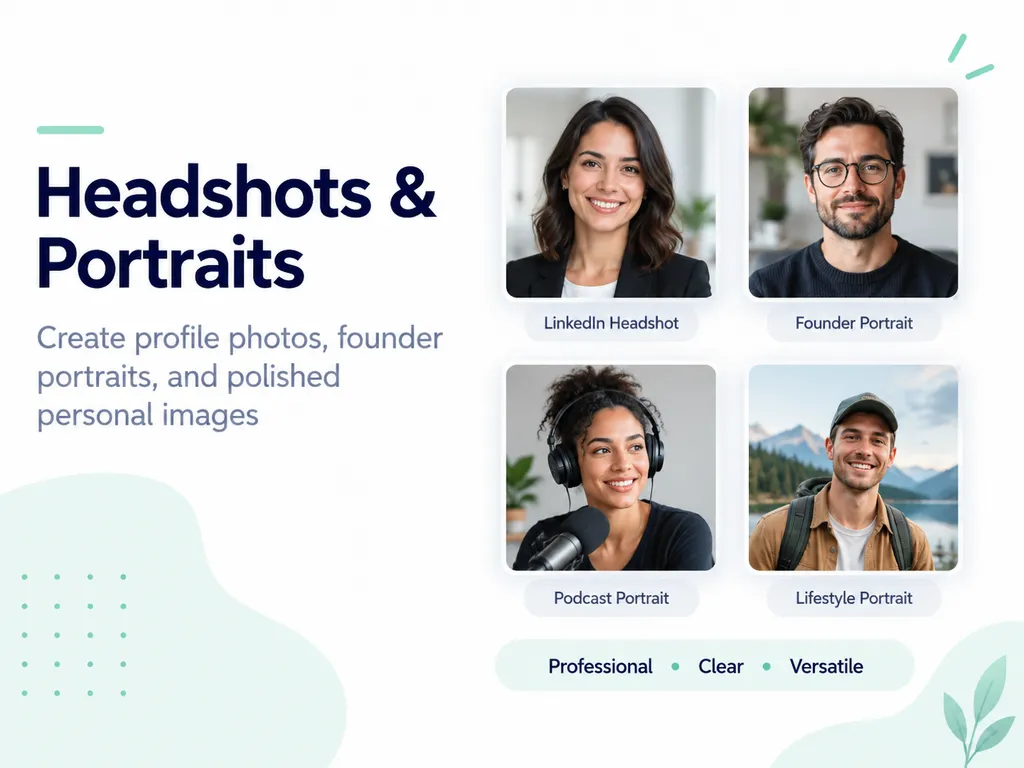
👤 Headshots & Portraits — 19
| Code | What It Creates |
|---|---|
/headshot | Turns a selfie into a professional LinkedIn-style headshot |
/corporateheadshot | Studio headshot in business attire against a neutral gray background |
/casualheadshot | Relaxed headshot using soft natural window light |
/founderportrait | Editorial founder portrait suitable for press features |
/teamphoto | Creates matching professional headshots for your entire team |
/bwportrait | Black-and-white portrait with visible film grain |
/goldenhourportrait | Outdoor portrait photographed in warm golden-hour light |
/speakerphoto | Places you on stage under spotlights with an audience |
/authorphoto | Professional author portrait suitable for a book jacket |
/datingprofile | Natural, authentic-looking dating profile photo |
/passportphoto | Clean passport-style portrait with a white background and even lighting |
/graduationportrait | Graduation portrait with cap, gown, and campus background |
/actorheadshot | Casting-style actor headshot with strong eye contact |
/doctorportrait | Calm, trustworthy portrait in a white coat inside a clinic |
/realtorheadshot | Professional real estate agent headshot with a bright home interior |
/fitnessportrait | Dramatic gym portrait with strong side lighting |
/podcastportrait | Podcast cover-style portrait featuring a microphone |
/vintageportrait | Turns your portrait into a 1970s-style film photograph |
/outfitswap | Keeps the same headshot while changing the outfit into five different looks |
📦 Product Photography — 21
| Code | What It Creates |
|---|---|
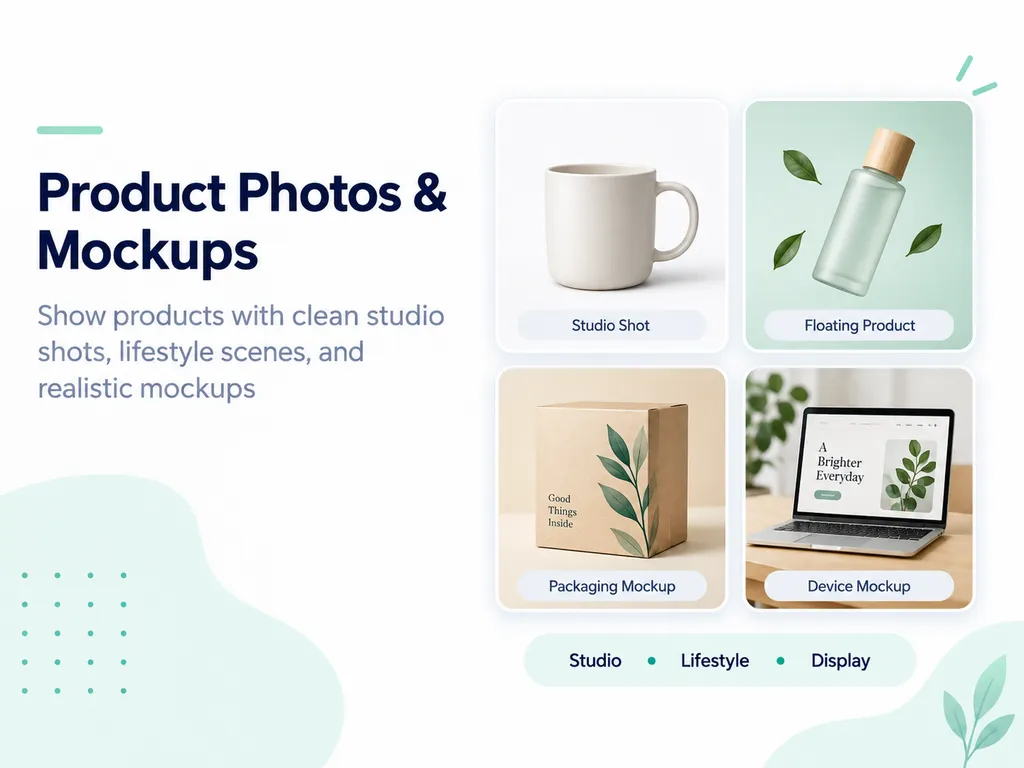
/productshot | Clean studio product photo on a seamless white background |
/darkpremium | Dark luxury product shot with dramatic edge lighting |
/applestyle | Minimal product presentation with generous negative space |
/heroimage | Website hero image with space reserved for a headline |
/flatlay | Top-down flat-lay product shot with matching props |
/floatingproduct | Product floating in the air with a soft shadow |
/splashshot | Product frozen inside a dramatic water or liquid splash |
/macroshot | Extreme close-up focused on material and surface texture |
/luxuryshot | Luxury editorial setup using marble, gold, and soft lighting |
/colorways | Renders the same product in six different colors |
/onmodel | Places your clothing product on a realistic model |
/ghostmannequin | E-commerce ghost mannequin clothing image without a visible person |
/handheld | Shows the product being held in a hand for scale |
/naturebackdrop | Places the product in a forest, beach, desert, or other natural setting |
/podiumshot | Places the product on a stone pedestal with rim lighting |
/glassreflection | Product placed on reflective glass with a mirror-like reflection |
/backgroundswap | Keeps the same product and lighting while changing only the background |
/catalogset | Creates a consistent catalog look across an entire product line |
/beforeafterproduct | Shows before-and-after product results side by side |
/seasonalshot | Restyles the product for Christmas, summer, autumn, or another season |
/amazonready | White-background marketplace image with the product filling most of the frame |
🔩 Product Exploded Views & 3D — 14
| Code | What It Creates |
|---|---|
/exploded3d | Fully exploded 3D view with each component labeled |
/cutaway | Cutaway rendering that reveals the inside of a product |
/xrayview | X-ray-style rendering showing internal components |
/clayrender | Gray clay 3D render focused only on form |
/wireframerender | 3D wireframe mesh view |
/turntable | Six product angles arranged in a single grid |
/isometricproduct | Clean isometric 3D product rendering |
/blueprintview | Technical blueprint with measurements and callout lines |
/miniature | Turns the subject into a miniature desktop diorama |
/giantscale | Makes the product appear enormous in a city street |
/partslist | Arranges every component neatly like an assembly kit |
/materialswap | Renders the same product in wood, metal, glass, or other materials |
/assemblysteps | Shows the assembly process in step-by-step panels |
/insidethebox | Displays every item in the package as an organized unboxing layout |
📣 Advertising & Marketing Creative — 21
| Code | What It Creates |
|---|---|
/staticad | Scroll-stopping static ad with a headline and call to action |
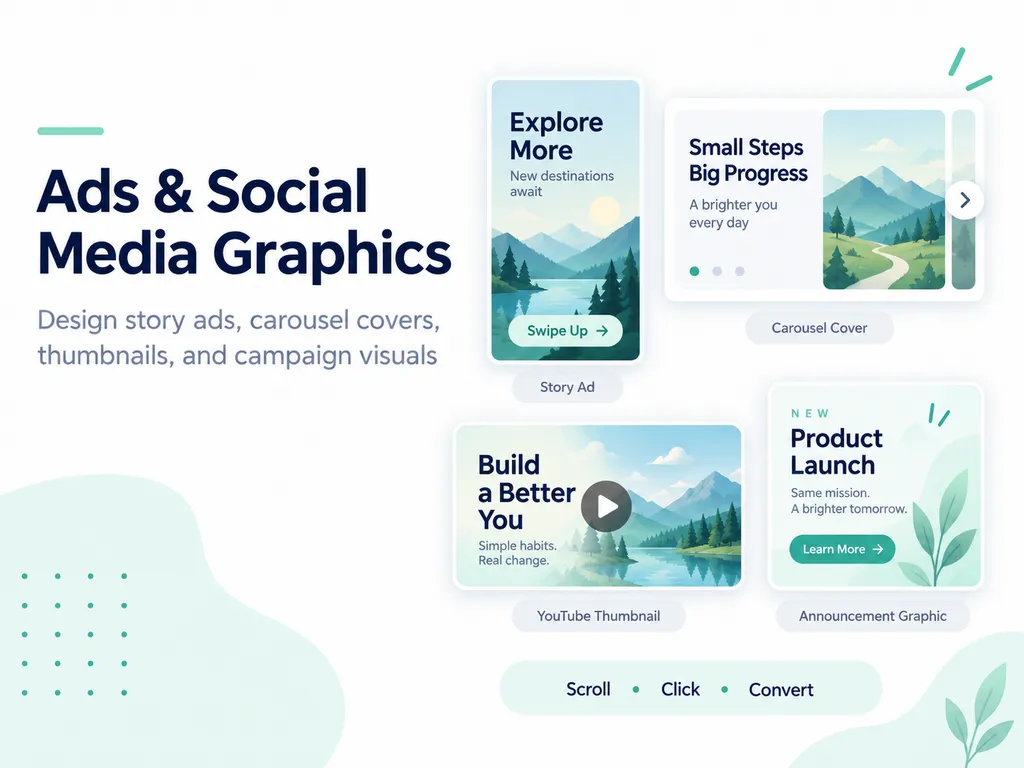
/storyad | 9:16 Instagram Story advertisement |
/carouselad | Five-slide carousel ad with one benefit per slide |
/bannerad | Web banner set including leaderboard, square, and skyscraper formats |
/billboard | Places your campaign on a realistic highway billboard |
/busstopad | Places your ad inside a nighttime bus stop display |
/subwayad | Places your campaign poster inside a subway station |
/magazinead | Full-page fashion magazine-style advertisement |
/newspaperad | Places your product inside a newspaper advertisement |
/comparisonad | Side-by-side comparison ad between your product and a competitor |
/testimonialad | Advertisement built around a customer quote and photo |
/ugc | Casual creator-style photo that looks like it was shot on a phone |
/offerad | Promotional creative focused on a launch, sale, or limited-time offer |
/retargetad | Reminder ad designed for people who abandoned their cart |
/adset | Creates five ad variations with different hooks |
/emailheader | Hero graphic for the top of an email |
/landingmock | Landing-page mockup with the product visible above the fold |
/appstoreshots | App Store screenshot set with explanatory copy |
/foodcollage | Story-driven collage made from multiple food images |
/uglyad | Intentionally rough-looking ad designed to blend naturally into a social feed |
/adstoryboard | Six-frame storyboard for planning a video advertisement |
🎨 Branding & Logos — 16
| Code | What It Creates |
|---|---|
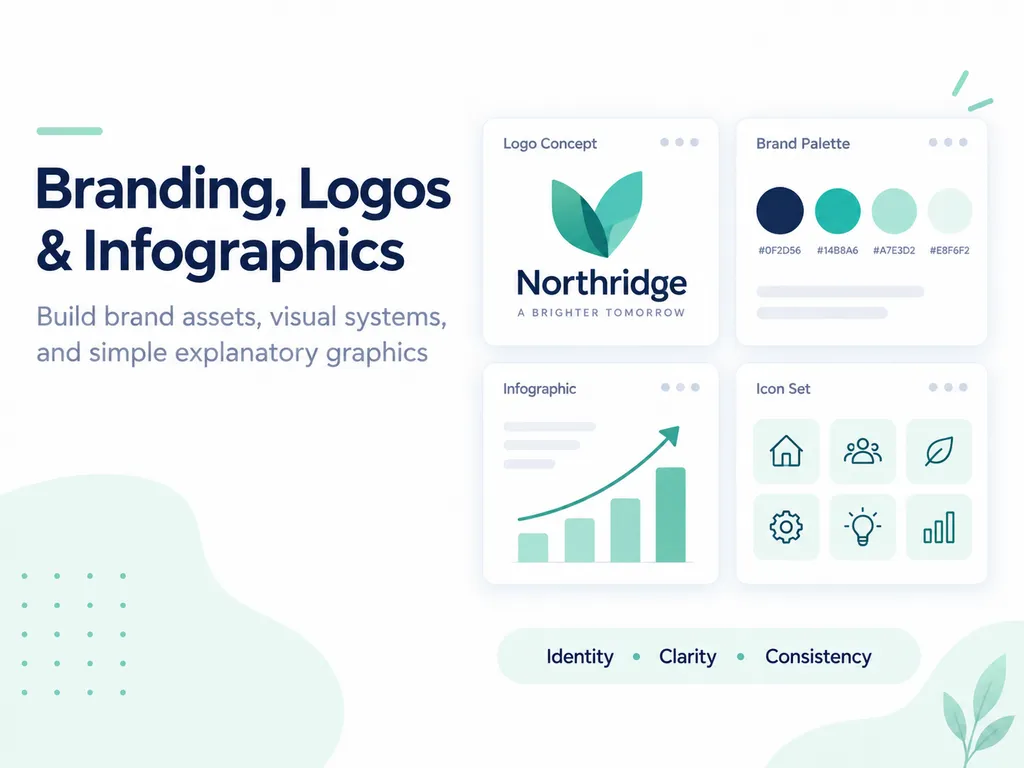
/logoconcepts | Six different logo directions based on your brand name |
/wordmark | Clean typography-only wordmark |
/iconlogo | Simple symbol-based logo without text |
/mascotdesign | Brand mascot character with a clear personality |
/brandboard | Brand board containing logo, colors, typography, and imagery |
/colorpalette | Five-color palette sheet with HEX codes |
/patterndesign | Repeating pattern for packaging, print, or branding |
/businesscard | Front-and-back business card mockup |
/letterhead | Branded letterhead and envelope set |
/brandmerch | Shows your logo on T-shirts, hats, mugs, and tote bags |
/storefront | Places your brand on a realistic storefront and window |
/appicon | App icon designed for iOS and Android-style interfaces |
/favicon | Simplified favicon designed to remain readable at small sizes |
/monogram | Elegant logo created by combining initials |
/logomotion | Keyframes showing how a logo could animate |
/rebrand | Creates three modern redesign directions for an existing logo |
📱 Social Media Graphics — 18
| Code | What It Creates |
|---|---|
/thumbnailimage | YouTube thumbnail with a large face and bold text |
/carouselcover | Scroll-stopping Instagram carousel cover |
/quotecard | Shareable quote card matching your brand style |
/instagrid | Nine-post Instagram grid designed to look cohesive as one layout |
/storycover | Instagram Highlight cover icons |
/linkedinbanner | LinkedIn profile banner in the correct header format |
/youtubebanner | YouTube channel banner designed around the safe area |
/twitterheader | X/Twitter profile header |
/pinterestpin | Tall Pinterest pin with prominent title text |
/tiktokcover | TikTok cover with large readable text |
/memeformat | Turns your idea into a clean meme layout |
/announcementpost | Graphic for launches, updates, or announcements |
/eventflyer | Event flyer with headline, date, and location |
/countdownpost | Three-day countdown graphics: 3 days, 2 days, and 1 day |
/statgraphic | Graphic centered around one large number and a short explanation |
/podcastcover | Square podcast cover featuring the show title |
/profilepic | Profile image designed to stay recognizable at small sizes |
/reelcover | Instagram Reels cover designed to match your feed |
🛍️ Mockups & Packaging — 13
| Code | What It Creates |
|---|---|
/boxmockup | Places your design on a realistic shipping box |
/bottlelabel | Applies your label to a bottle or container |
/bagmockup | Places your design on a pouch, bag, or package |
/canmockup | Wraps your label around a beverage can |
/bookcover | Creates a book or ebook cover design |
/phonemockup | Displays your app or website on a smartphone |
/laptopmockup | Displays your website on a laptop sitting on a desk |
/tshirtmockup | Places your design on a realistic worn T-shirt |
/postermockup | Displays your poster inside a framed wall mockup |
/menudesign | Creates a restaurant menu in your chosen visual style |
/shelfshot | Places your product on a retail shelf beside competing products |
/giftbox | Presents your product inside a premium gift box |
/stickersheet | Creates a die-cut sticker sheet from your brand icons |
🍽️ Food, Interior & Real Estate — 14
| Code | What It Creates |
|---|---|
/foodshot | Turns any dish into a restaurant-quality food photograph |
/menuphoto | Clean overhead menu photograph with polished plating |
/drinkshot | Cocktail, coffee, or beverage shot with condensation, steam, or texture |
/recipecard | Visual recipe card featuring the finished dish |
/roomredesign | Redesigns your room in a specified interior style |
/virtualstaging | Adds furniture to an empty real estate room |
/exteriorrender | Creates a polished curb-appeal rendering of a house exterior |
/floorplan3d | Turns a sketch or description into a 3D floor plan |
/gardenplan | Redesigns a yard into a landscaped garden |
/kitchenreno | Visualizes new cabinets, counters, or finishes in a kitchen |
/listingphoto | Creates a brighter, wider-looking real estate listing photo |
/officespace | Rearranges a workspace to improve focus and usability |
/nightshot | Shows the same building at dusk with the lights turned on |
/moodboard | Creates a visual mood board for a room or project |
🖌️ Illustration & Art Styles — 18
| Code | What It Creates |
|---|---|
/watercolor | Watercolor illustration with visible paint bleeding and texture |
/oilpainting | Classical oil painting with visible brushstrokes |
/pixelart | 16-bit retro pixel art |
/lineart | Minimal single-line ink drawing |
/popart | Pop-art poster with bold halftone dots |
/anime | Japanese anime-style illustration |
/cartoonme | Turns you into a clean cartoon character |
/3drender | Smooth polished 3D rendering |
/papercut | Layered paper-cut craft illustration |
/stainedglass | Turns the subject into a stained-glass window design |
/tattoodesign | Tattoo-style artwork ready for further refinement |
/childrensbook | Soft children’s book illustration |
/graffiti | Street-art-style lettering or logo painted on a wall |
/vectorflat | Flat vector illustration made from simple shapes |
/sketchbook | Pencil sketch with light shading |
/lowpoly | Low-poly geometric 3D illustration |
/claymation | Stop-motion clay character style |
/embroidery | Turns a design into an embroidered patch |
📊 Infographics & Explainers — 14
| Code | What It Creates |
|---|---|
/infographic | Summarizes key information in one infographic |
/processdiagram | Explains how something works in four visual steps |
/comparisonchart | Side-by-side visual comparison chart |
/statposter | Data poster with one large number and supporting icons |
/timelineposter | Visual timeline showing the history of a company, event, or story |
/iconset | Set of twelve matching icons for an app or website |
/mapgraphic | Stylized map showing your locations |
/orgchart | Organizational chart with spaces for profile photos |
/roadmapgraphic | Quarterly product roadmap graphic |
/pricingtable | Three-tier pricing table |
/checklistgraphic | Printable visual checklist |
/howtoillustration | Illustrated step-by-step instruction panels |
/anatomyof | Labeled visual breakdown of the parts of an object or concept |
/slidevisual | One presentation slide built around visuals instead of bullet points |
🎁 Fun & Personal — 13
| Code | What It Creates |
|---|---|
/actionfigure | Turns you into a boxed action figure |
/movieposter | Places you on a blockbuster movie poster |
/tradingcard | Creates a trading card featuring you and your stats |
/petportrait | Turns your pet into a royal portrait |
/ageprogression | Shows versions of you in your 20s, 40s, 60s, and 80s |
/timetravel | Places you inside a historical era of your choice |
/superhero | Turns you into an original superhero wearing a custom suit |
/babyphoto | Newborn photo designed for a birth announcement |
/weddinginvite | Designed wedding invitation |
/holidaycard | Holiday family card using your own photo |
/caricature | Friendly caricature with exaggerated features |
/dreamcar | Places you beside your dream car in a location you choose |
/fantasyme | Turns you into a fully costumed fantasy character |
The Honest Limitations
⚠️ These codes are shortcuts, not magic commands.
ChatGPT does not have 188 secret image features hidden behind these words.
The model simply interprets each code as a shorthand instruction for a certain type of image, style, composition, or use case.
If the result is not what you expected, add one short sentence after the code describing what you want.
1. A code without a subject will make ChatGPT invent one
If you type only:
/packaging
the model has to guess what product it should package.
Tell it what you want to use.
For example:
/packaging Use my attached coffee bag design.
2. Text and hands can still be wrong
Packaging text, advertising headlines, fingers, and small details should always be checked at full size.
Text generation has improved, but mistakes still happen.
This is especially common with complex typography and non-English text.
If exact text matters, it can be faster to generate the image without text and add the final copy later in Canva or Figma.
3. Tell ChatGPT what must not change
If you upload a product photo and do not explicitly tell the model to preserve it, the model may “improve” the shape, label, proportions, colors, or materials.
If something must remain unchanged, say so.
For example:
Keep the original product shape, label, logo, colors, and proportions exactly unchanged.
4. Image limits can run out quickly
Generating multiple versions is often the fastest way to find a strong result.
Instead of expecting the first generation to be perfect, create several versions and choose the best one.
If your account has limited image generations, you may need to spread the process across multiple sessions.
5. The same code will not produce the exact same image every time
Image generation is variable.
Running the same prompt several times can produce different compositions, lighting, expressions, details, and styles.
A bad generation does not always mean the prompt is wrong.
Sometimes you simply need another variation.
Common Problems and How to Fix Them
| Problem | Likely Cause | Fix |
|---|---|---|
| ChatGPT explains the image but does not create it | It interpreted your message as a question | Start the prompt with “Create an image” |
| The code creates a completely unrelated subject | You did not specify the subject | Add one sentence explaining what should appear in the image |
| Your product shape or label changes | You did not specify what must remain unchanged | Add: “Keep the original product unchanged.” |
| Parts are missing from an exploded view | The model does not know which components must appear | List every required component |
| Text inside the image becomes nonsense | Image models can still make typography errors | Generate without text and add it later in Canva or Figma |
| The person or product looks different every time | You started a new conversation or removed the reference | Continue in the same conversation and attach the reference image again |
| The image gets worse every time you edit it | Too many things are being changed at once | Change one thing at a time |
Official Tool
chatgpt.com — Use the codes above directly inside ChatGPT.
If this guide helped you, follow me for more practical AI resources.
I regularly share AI workflows, prompts, content creation methods, and useful ChatGPT techniques on Instagram and YouTube.
Follow me on Instagram and YouTube to get the next guide first.
If you get stuck while trying one of these codes, leave a comment on the Reel. I use those questions when deciding what to cover next.